
Turn Google Sheets into live metrics your team can trust
Sheets are flexible, but reporting can break when tabs change or formulas drift. Connect Google Sheets to Daymark to get answers as visuals and keep key metrics in one shared dashboard.
Sheets often become the reporting system
Too many tabs and copies
Metrics spread across duplicated sheets and older versions.
Formulas can break
A small change can impact totals and charts without anyone noticing.
Manual refresh work
Weekly reporting takes time to update and review.
How Daymark works with Google Sheets
Bring spreadsheets into one clear view
Instead of rebuilding the same reports, connect your Sheet once and ask questions when you need answers. Save the results to dashboards so the team sees the same metrics.
Connect Google Sheets
Sign in with Google and connect a spreadsheet with read-only access.

Ask a question
Ask in plain English and get a chart or table that answers it.
Build a dashboard
Save the results to dashboards for ongoing reporting and sharing.
An AI workspace for trustworthy metrics
Ask questions in plain English, use data from multiple sources, and save answers as dashboards your team can share. No SQL required.
Ask questions and get clear answers
Ask a question and Daymark returns a chart, table, or summary that answers it. Save the result when it is useful.
Use multiple data sources in one place
Bring key metrics from tools like HubSpot, Ads, Analytics, Sheets, and Postgres into one workspace.
 HubSpot
 Google Ads
 Google Analytics
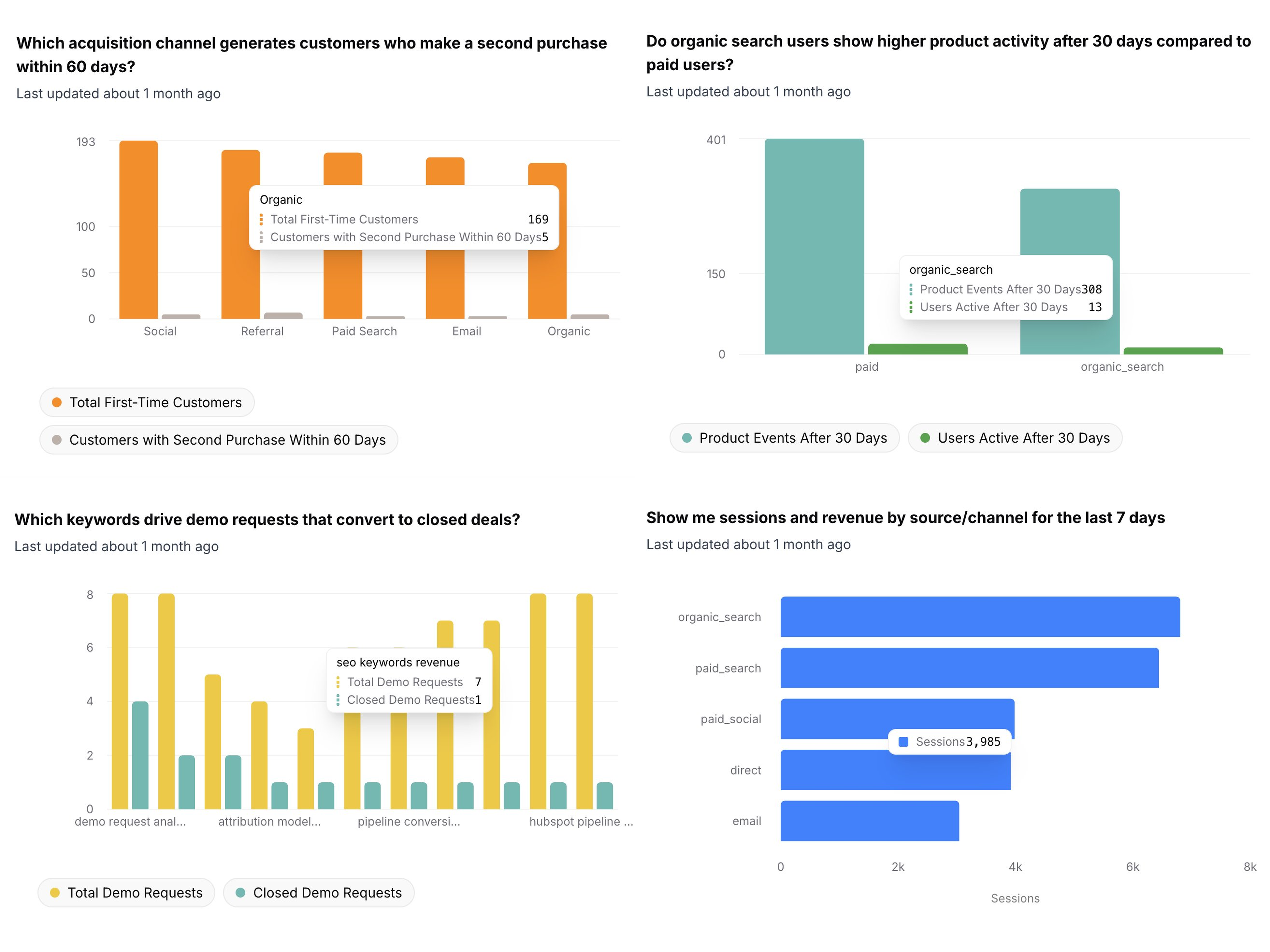
Dashboards your team can share
Save answers to dashboards so your team can review the same metrics. Share dashboards for weekly updates, planning, and reviews.
Your data stays yours
Daymark is built for teams that handle sensitive business data. Read-only access, minimum permissions, and AI that never trains on your data.
Access
Read-only access with least privilege
Daymark uses the minimum scopes required for every integration and never writes to your production systems. All connectors are read-only by design.
- Read-only connectors
- No production writes
- Scoped database access
AI safeguards
Built for safe AI analysis
Our AI agents work only with schema metadata and limited query results to generate insights. Your underlying data is never used to train models.
- No training on your data
- AI agents cannot modify your systems
Connect Google Sheets in Daymark
Start exploring your data with read-only access in minutes.